Sales Software That Runs Your Whole Sales Cycle
E-Khata Cloud handles the full sales document lifecycle for a Pakistani business: quotation, sales order, delivery note, invoice, and return, all from one screen. Type the customer, type the products, and the books, stock, and customer ledger update on their own.
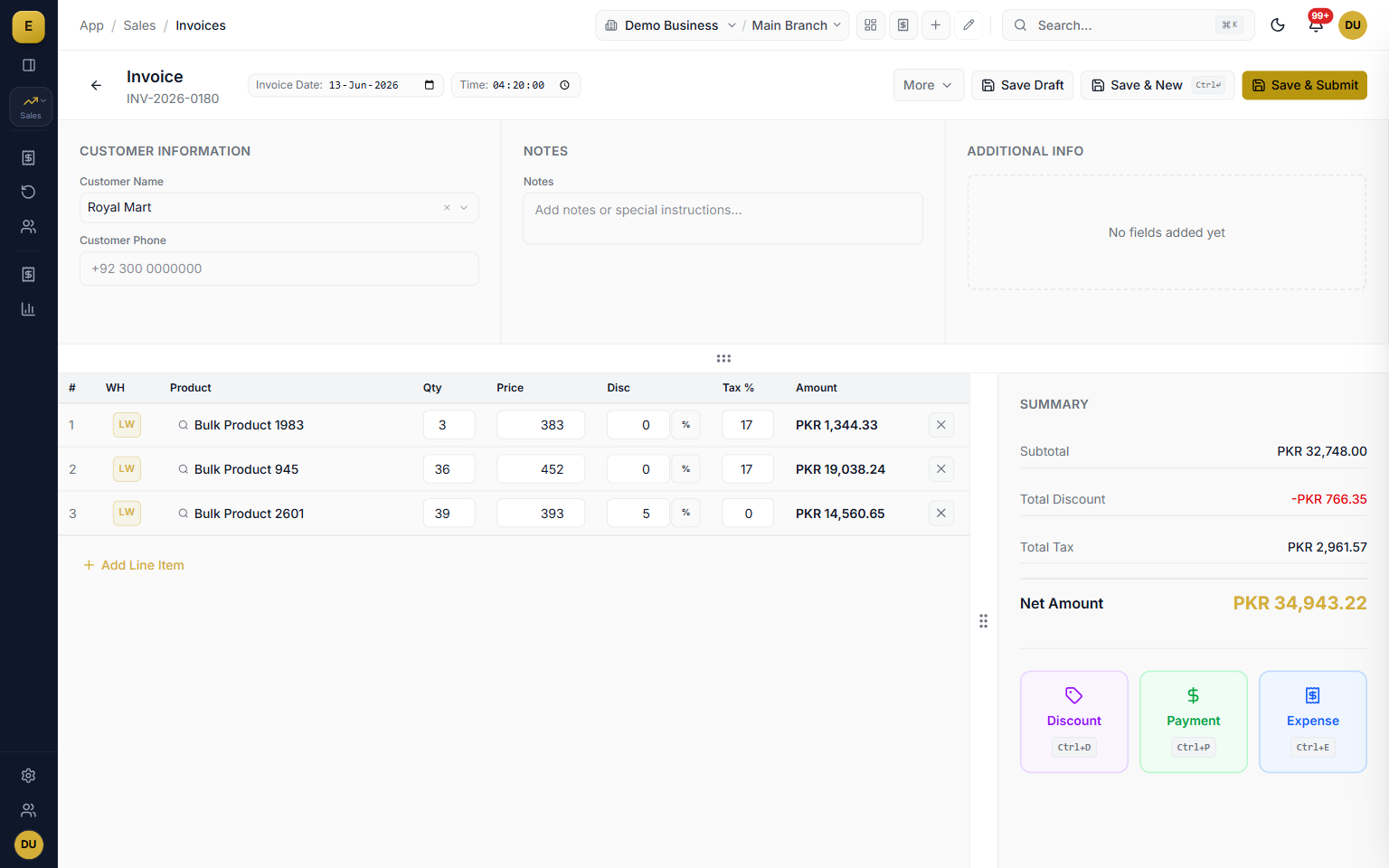
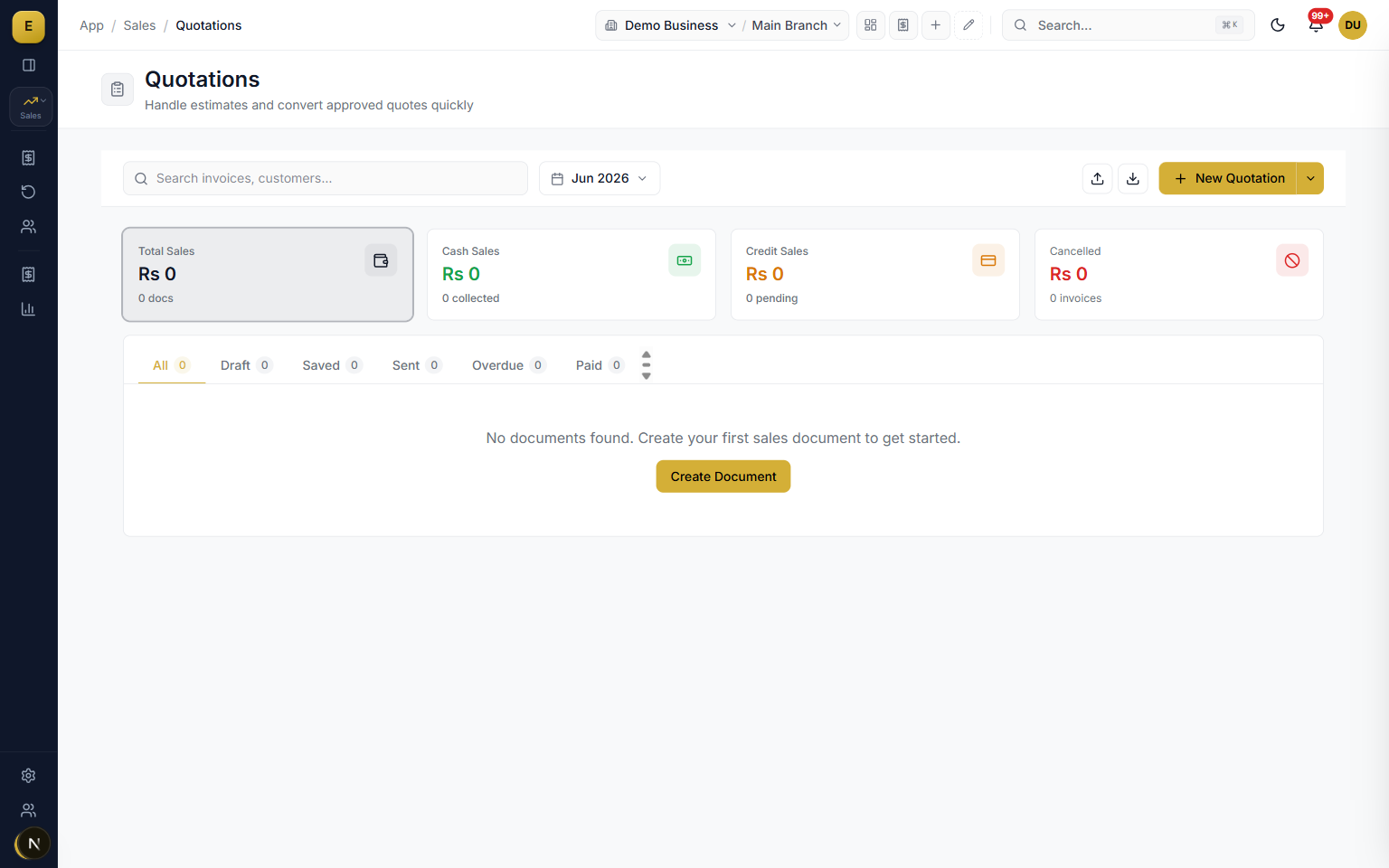
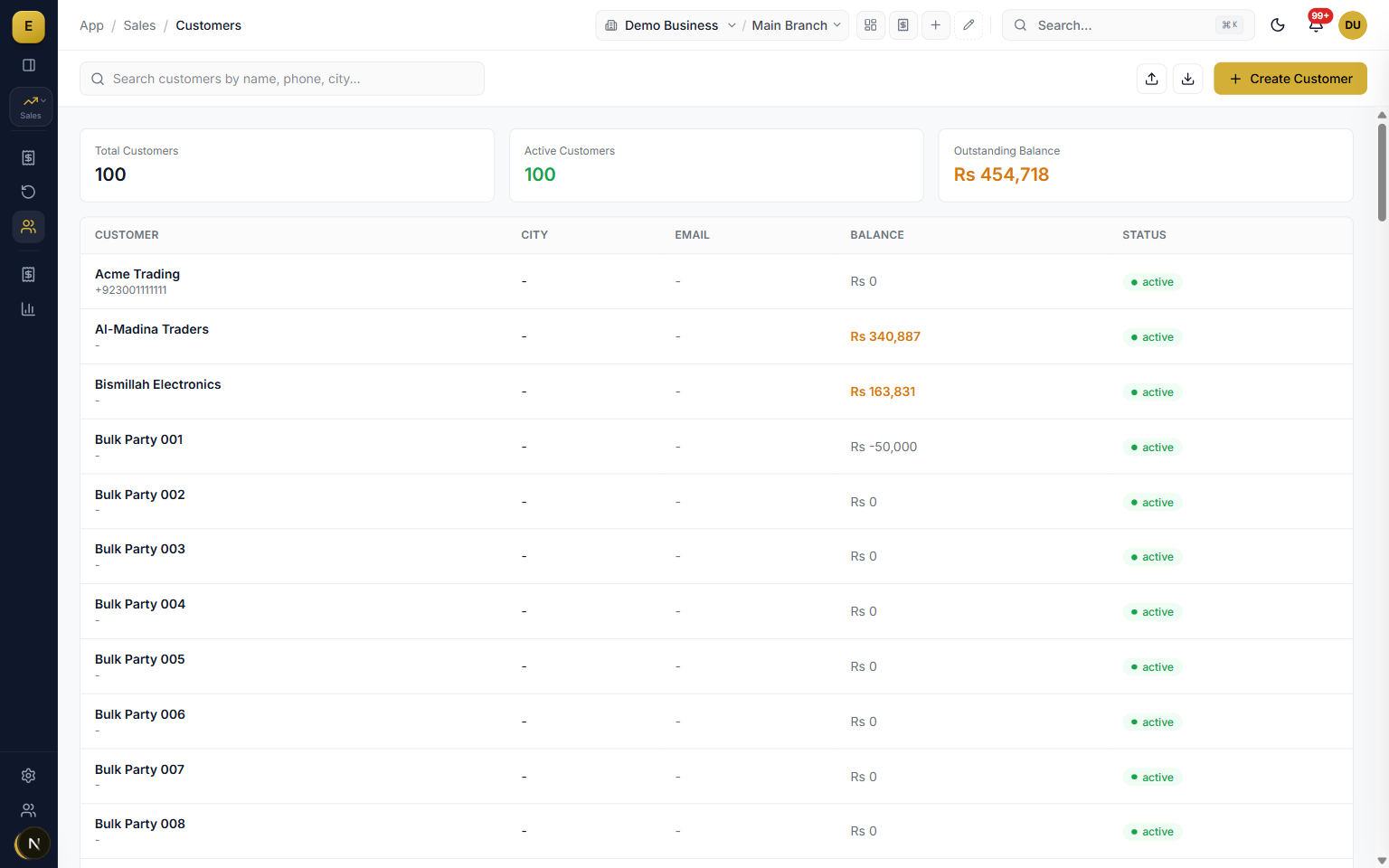
The sales module is the part of E-Khata Cloud where you create and track every document you send a customer. It covers five document types, Quotation, Sales Order, Delivery Order, Invoice, and Sales Return, and links them together so one set of line items flows through the whole cycle. Each document carries its own number series, status, and posting rules for stock and accounts.
Updated October 2026
The full sales document lifecycle
A sale rarely starts and ends with one piece of paper. E-Khata follows the real order of events so each step builds on the last without re-keying. You raise a quotation, convert it to a sales order with one action, turn it into a delivery note when goods leave the warehouse, and bill it as an invoice. When goods come back, you record a sales return against the original invoice.
- Quotation to order to delivery to invoice with no re-typing of products.
- A visual conversion chain shows linked documents so anyone can see where an order stands.
- Sales returns capture a reason, calculate the refund credit, reverse the accounting entry, and put stock back.
The line-items grid
The heart of every document is a spreadsheet-style grid you can drive entirely from the keyboard. Each row holds a product, a warehouse, quantity, unit, rate, discount, and tax, and the amount calculates as you type. Subtotal, discount, tax, and grand total update on every keystroke, with the outstanding balance shown after any payment.
- Warehouse per line, so one invoice can pull stock from more than one location.
- Searchable product entry with unit conversions for piece, dozen, and carton.
- Keyboard-first: Tab moves between cells and Enter adds the next row.
- Live summary updates subtotal, discount, tax, and total as you type.
Payments: cash, bank, cheque, and udhar
E-Khata treats cash sales and credit sales as one workflow with different settlement. Record a payment in full to close an invoice as paid, or leave it part-paid and the balance moves to the customer ledger as udhar. The customer running balance, due date, and overdue status are tracked for you.
- Record money as cash, bank transfer, cheque, journal voucher, or party transfer.
- Party transfer settles one party balance against another through AR and AP accounts.
- Set payment terms as days from the invoice date and the due date calculates automatically.
- Overdue invoices flag themselves so you can chase payment before it becomes a problem.
FBR digital invoicing, reviewed before it files
Sales invoices carry the metadata FBR requires and are checked against FBR's live reference data: HS codes, units, and whether the buyer is an active filer. Nothing files itself. Invoices land in the File with FBR queue, a person previews the exact payload and confirms, and only then is it sent. The returned Invoice Reference Number and QR code print on the invoice, and returns file as credit notes.
- FBR Digital Invoicing, FBR Tier-1 POS and PRA, each configured separately.
- A preflight checklist on the invoice lists every reason FBR would reject it, before you file.
- Filed invoices lock, and every attempt is logged against the document.
WhatsApp delivery and invoice branding
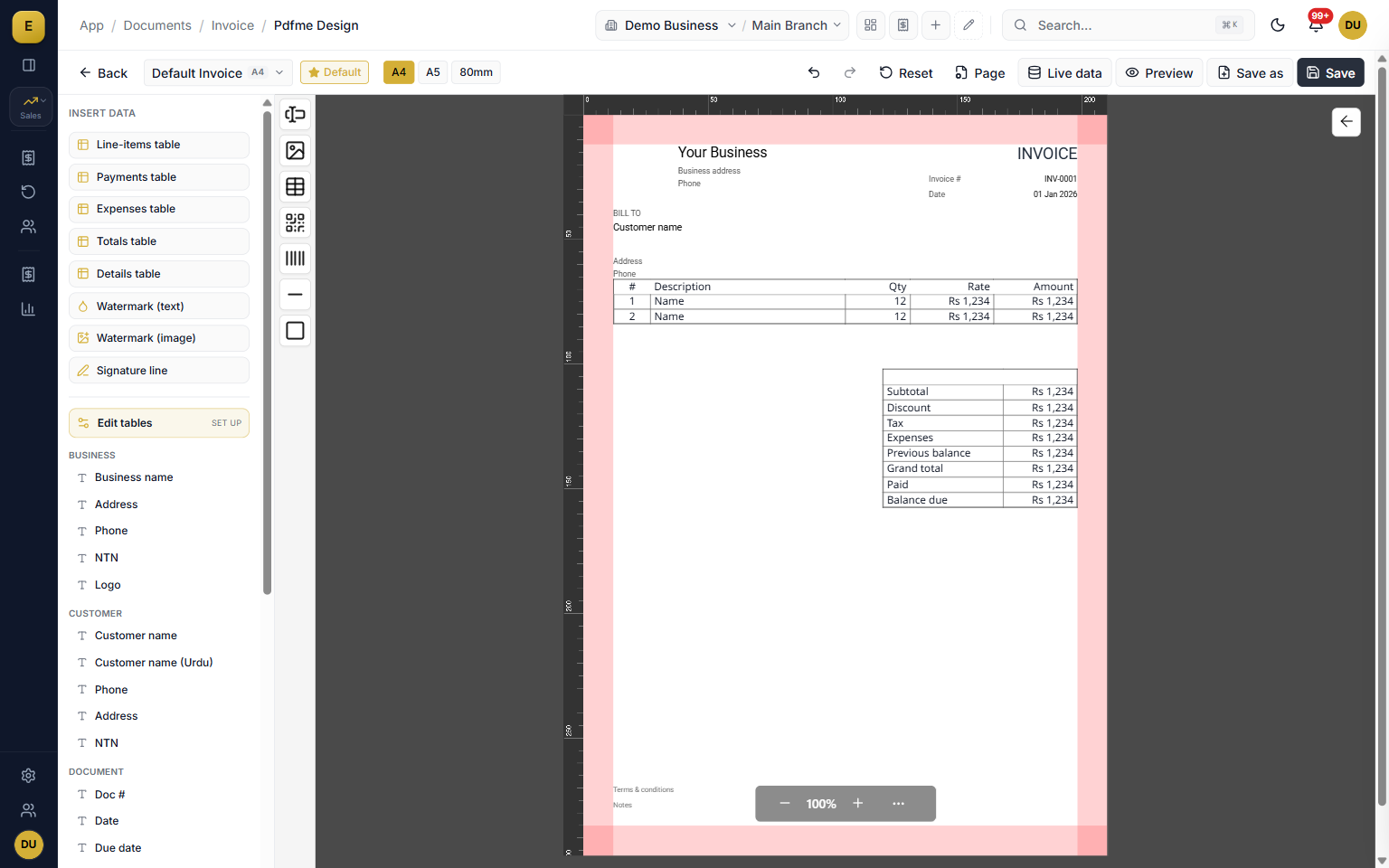
After you save a document you can share its PDF straight to the customer over WhatsApp or email without printing, which speeds up collection on udhar. Every document type can carry your own fields and a header you control, and a drag-and-drop template designer places tables, text, and images on A4, A5, or 80mm paper, including bilingual English and Urdu fields.
- Send quotations, delivery notes, invoices, and payment reminders over WhatsApp or email.
- Add custom fields such as PO number, vehicle number, salesperson, or project reference.
- Control whether your logo, company name, address, phone, email, and tax ID print.
- Design custom layouts with the drag-and-drop designer in English and Urdu.
Statuses, audit trail, and stock deduction
Each document moves through clear states: draft, sent, confirmed, delivered, paid, overdue, and cancelled. Every change is written to an amendment log with a before and after snapshot, the action, and the user, giving you a clean audit trail. A business setting controls whether stock comes out on invoice or on delivery, so a business that bills first and one that ships first are both handled correctly.
- Cancel a submitted invoice to reverse its accounting entries and stock movements, then restore with full re-posting.
- Choose the stock deduction point: on invoice or on delivery.
- Allow or block negative stock per your setting.
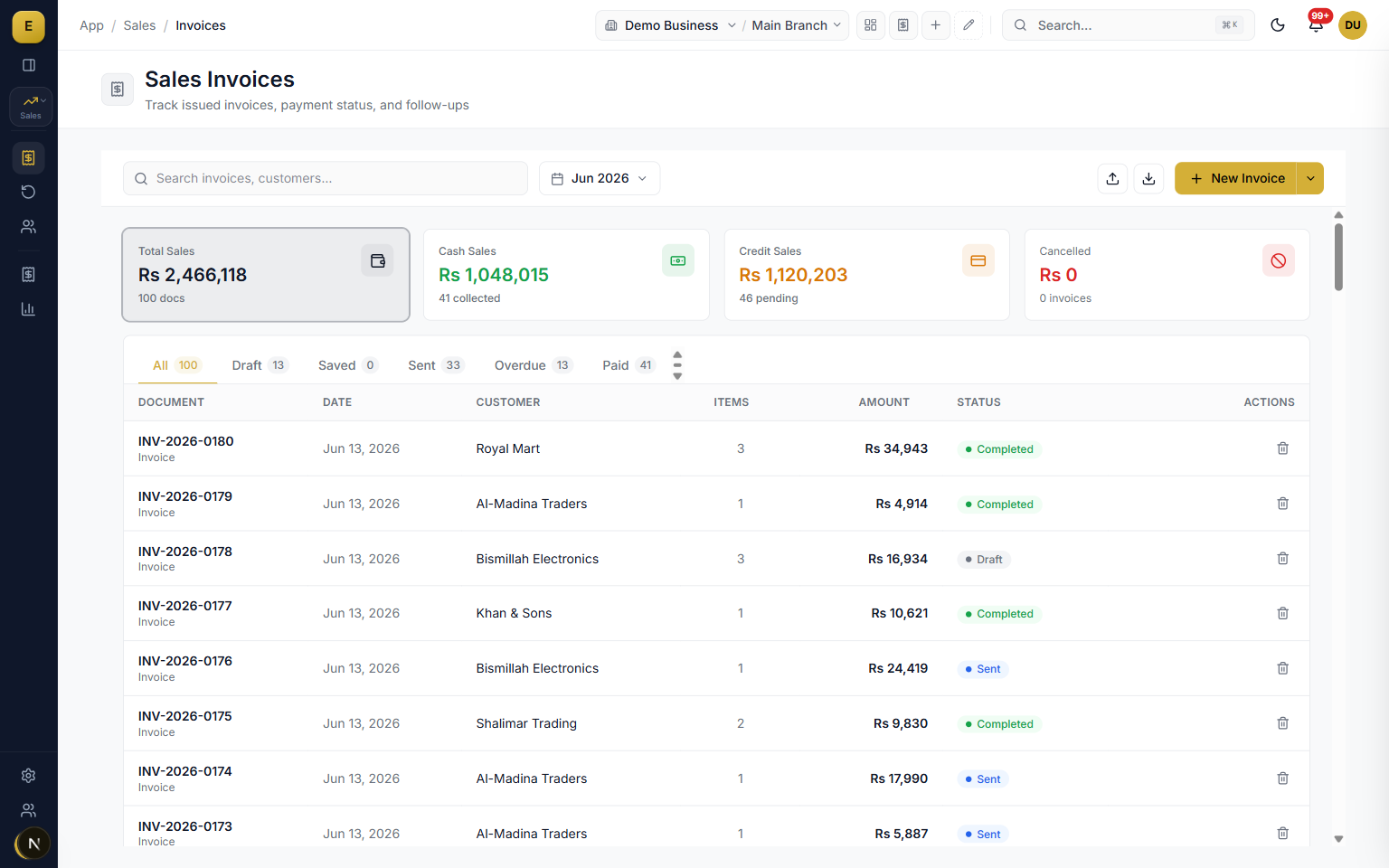
The internet goes out. Billing does not.
Load shedding and a dropped connection are normal working conditions, so E-Khata treats them that way. Switch on offline billing and the same invoice screen keeps working when the connection drops. There is no separate offline screen to learn. Each computer keeps a block of document numbers in hand, so a bill made offline gets its final number and prints exactly as it would online. When the connection returns, everything waiting is sent in order and posted with the same rules as any other bill. It works in the web app and the desktop app, for up to 5 days between syncs. Nothing is typed twice and nothing is lost in the gap.
- Invoices, sales returns, payments received and new customers work offline, and so do quotations, sales orders and delivery orders.
- Every printed number is final: nothing is renumbered later, and nothing clashes with a salesman billing online at the same moment.
- A sale that already happened is never refused at sync because stock or a price changed elsewhere. It is accepted and flagged for review.
- Offline & sync shows what is waiting, when the last sync ran and how many offline days are left. A waiting bill can be opened, printed again, corrected under the same number, or discarded.
- A bill that is discarded, or changed after it was printed, is recorded for the owner, and its number is never used again.
- A copy of a recent invoice that already synced can still be printed while the line is down.
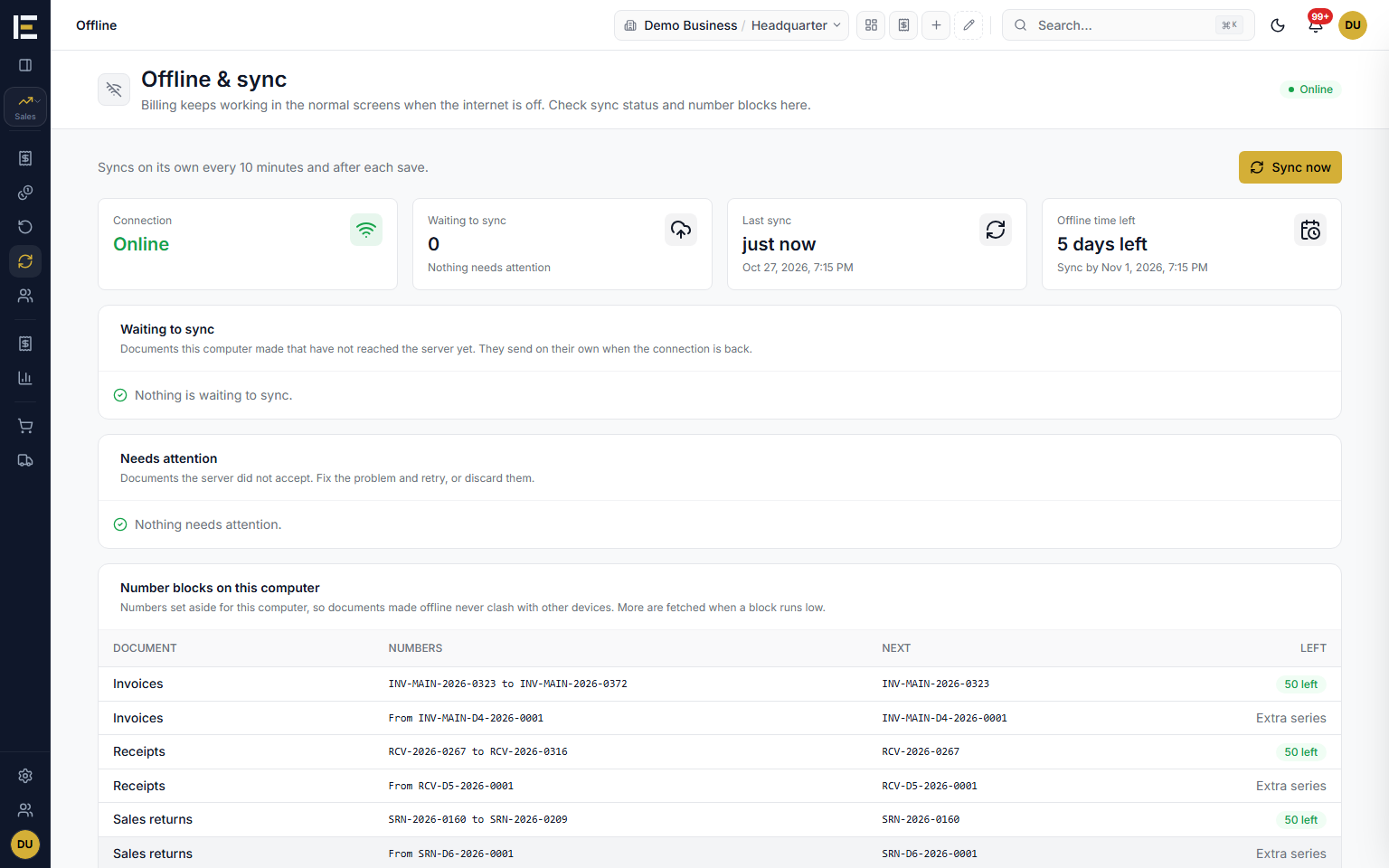
Last price and familiar names, filled in for you
Turn on Get Last Sold Price and each new line fills with what this customer was last charged for that exact item, same variant and same unit, instead of the catalog price. Only posted invoices count and a sale at zero is skipped. The filled price is marked with a dot and stays editable, and once you type your own it is never overwritten. The names on the bill are remembered in the same spirit.
- Walk-in buyers: the Walk In Customer Name box becomes a dropdown of the regulars this branch has named before. Pick one and their phone and other remembered details fill in; a new name is remembered when the bill is saved.
- Every walk-in sale still posts to Walk In Customer, so the ledger does not fill up with one-time buyers, and each branch keeps its own list.
- Contact Person: for a named customer, type the person the bill is made out to. That name prints in place of the customer's name, while the ledger, balance, statements and FBR filing stay with the customer.
- A sales return fills from the last invoice price, so you refund what was actually charged.
Purana baqaya, cash received and change, all on the bill
When a customer has a previous balance, the invoice summary shows it with a note on which way it runs (owes us, or has credit with us), and a Grand Total row adds this bill to it: what the account comes to once this bill lands. The previous balance and a total that includes it can both print on the bill. On a cash sale where change is given, the cash handed over and the change returned are kept on the invoice, not just the amount received.
- Grand Total appears only when there is a previous balance, so it never repeats the bill's own total.
- Quotations do not add the previous balance, because they do not post to the customer's account.
- Cash received and Change returned rows, for example Rs 10,000 handed over on a Rs 9,000 bill and Rs 1,000 given back.
- When more is paid than the bill, E-Khata can ask on save whether to give it back as change or keep it on the account. Or show a Keep Extra as Advance checkbox: ticked, the extra stays as advance; unticked, it settles the customer's older unpaid bills first and the rest is change.
Freight and loading: what it cost you and what you charged
Add delivery, loading, commission or packaging as expense rows on the invoice. Each row carries two amounts: the Cost, what you owe the transporter or the labourer, and the Charge, what the customer is billed for it. A preset fills the charge (none of it, all of it, or half) or you type your own. The customer's bill includes only the charge, and both reach your profit and loss: the cost as an expense, the charge as income.
- The summary shows what is billed to the customer, what is your own cost, and what you keep when you charge more than it cost.
- Settings, Expense Types names each kind of expense once, with the account its cost goes to and the account its charge goes to, so counter staff never pick accounts.
- Left blank, the cost goes to Carriage Outward and the charge to Expense Recovered.
Your numbers, your paperwork, your inbox
Attach a photo or PDF to an invoice, such as a signed challan or a transporter's bilty. It stays with the bill, a paperclip beside the number in the invoice list shows which bills carry one, and it can print on its own pages after the invoice. Display numbering gives invoices your own sequence, with your prefix, a next number you set and a yearly restart, and Show software number decides whether E-Khata's own number appears beside yours.
- Up to ten attachments per document: JPG, PNG or PDF, 2 MB each.
- With Show software number off, only your number shows on lists, the invoice, ledgers, reports, receipts, search results and messages. The software number still finds the bill in search and stays underneath for the accounts.
- Email copies: connect your own Gmail with an app password, and every new sales invoice (with its PDF if you want it) and a summary of every expense go to the inboxes you list, such as the owner's or the accountant's.
- A Today option on the date filter of the document lists, which moves to the new day on its own after midnight.
Printing to the right printer, every time
Bills print to the printer you set for each paper size with no print dialog, a 3 inch slip and an A4 copy can come out from one click, and each size has its own number of copies. The Printing page covers the Print Agent, printer routing and copies in full.
Changing a bill's amount without a return
When the goods stay with the customer but the amount has to change, for a rate difference or a charge left off, switch on Change bill amount in Settings. A Credit Note then lowers a saved invoice's amount and a Debit Note raises it, with no stock movement, while returns are still recorded as sales returns. The Credit and Debit Notes page explains both.
Sales orders that start production
For businesses that make what they sell, a confirmed sales order can send the goods it is missing to Processing in one step, and the sales list then shows what is made and what is ready for each order. A delivery order made from the order fills only what is ready. The Make to Order page explains the whole flow.
Duplicate a saved document
The More menu's Duplicate opens a new form filled from a saved invoice, quotation, sales order or delivery order: the same party, items, prices, header and custom fields, bill discount and charges, dated today and numbered when you save. Payments, attachments, serials and pieces, and links to other documents stay with the original, so a repeat order takes seconds and copies nothing it should not.
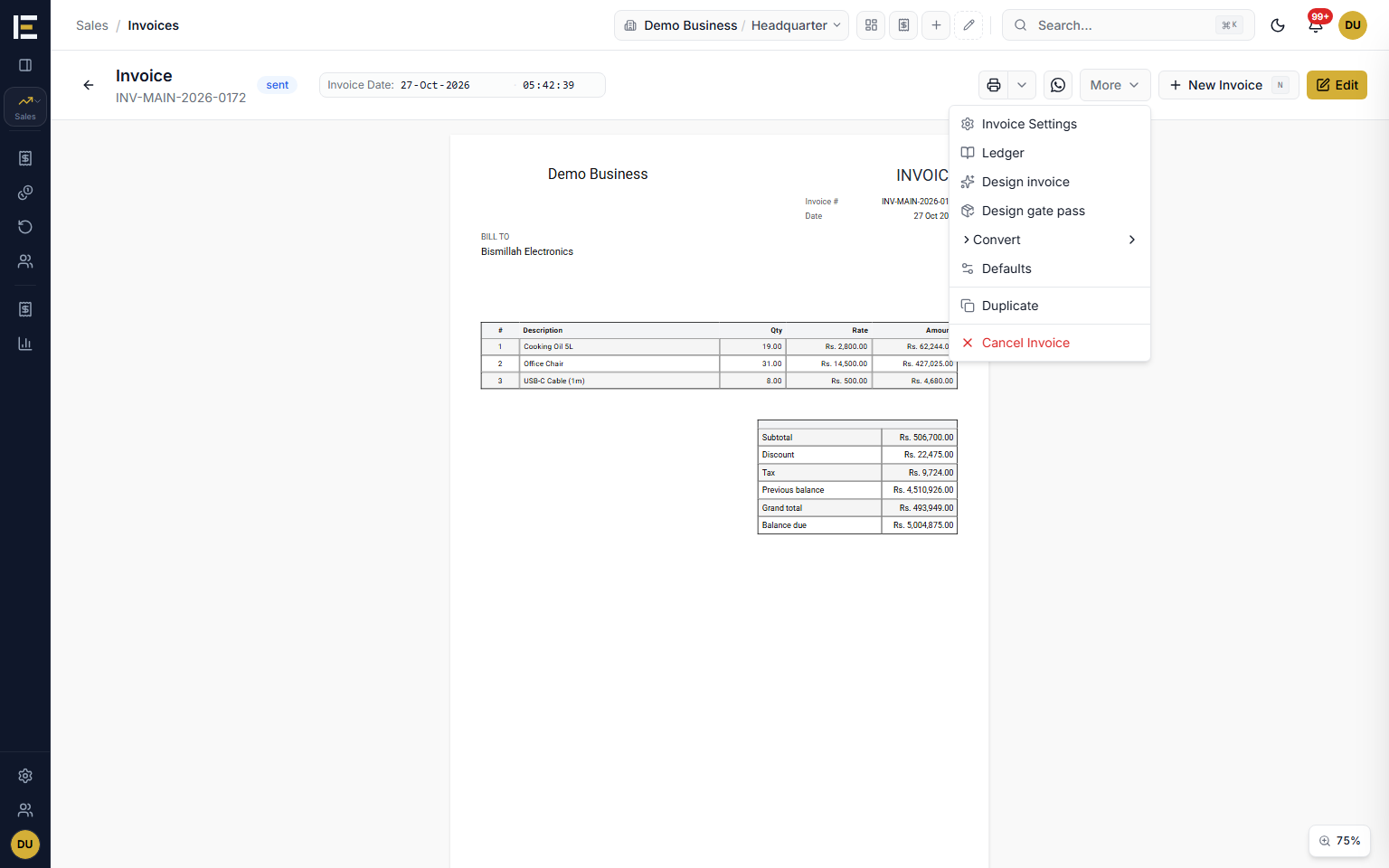
Descriptions and Pandi that remember
Add the Description column in Customize Grid and it remembers per item: pick a product and its last description fills in, and the dropdown offers every description that item has had, newest first. Custom header fields remember per customer the same way: pick a customer and their last Pandi is already there, with every Pandi they have used one click away. Type something new and it is remembered from the next document.
- Each remembered value shows when it was last used.
- The pencil renames or removes an old value.
- A description you typed is never overwritten by a later pick.
- Urdu values read right to left in these lists.
Inside Sales
Who it is for
Frequently asked questions
Explore more of E-Khata
دیکھیں کہ آپ کا کاروبار ای کھاتا پر کیسے چلتا ہے۔
30 منٹ کی زوم یا واٹس ایپ کال۔ ہم آپ کو ای کھاتا دکھائیں گے۔

“ہم نے ای کھاتا اس لیے بنایا تاکہ کاروبار کے مالک رجسٹر پر کم اور اپنا کاروبار بڑھانے پر زیادہ وقت لگائیں۔”
یا واٹس ایپ پر پیغام بھیجیں: +92 300 1676722 (1 گھنٹے میں جواب)۔