POS software that keeps billing when the light goes
Scan, bill, print the 80mm receipt and take the money. When the internet drops, the counter keeps going and the bills sync later. Every sale lands in stock, the customer's khata and your books, and reaches FBR when it is due.
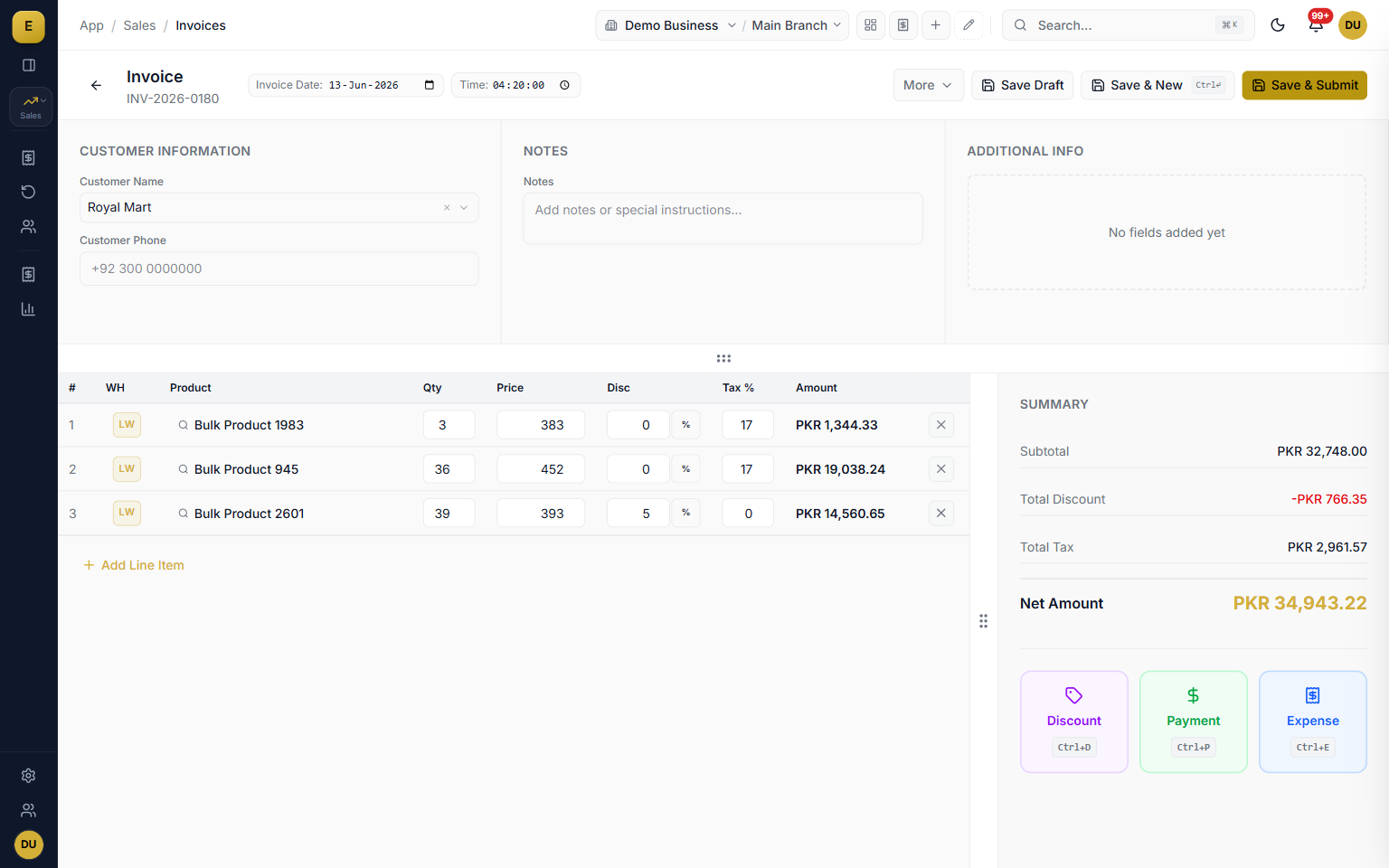
E-Khata Cloud is POS and billing software for shops, showrooms and wholesale counters in Pakistan. It bills by barcode, prints an 80mm thermal receipt with no print dialog, keeps working offline through load-shedding, handles FBR Tier-1 POS and Digital Invoicing, and posts every sale to stock, the customer's ledger and your accounts. You do not run a till in one program and the books in another.
Billing at the counter: scan, print, collect
A counter sale is a sales invoice with the Walk In customer already chosen. Scan a barcode or type a few letters of the product name, change the quantity, and the price, discount and tax fill in from the product. Save, and the 80mm receipt prints. A regular customer is one search away, and their sale goes on their account instead of the walk-in one.
- Barcode scanner or keyboard search, whichever the cashier is faster with
- Walk In customer by default, with the buyer's name remembered per branch
- Prices, discounts and tax come from the product, so the cashier does not type them
- Part payment leaves the rest on the customer's khata as udhar
Offline billing through load-shedding, and what happens with FBR
Turn on offline billing and the counter keeps billing when the connection drops. Invoices, returns and payments are saved on the computer and sync on their own when the line comes back, with a pending count on screen. Bills made offline print with their final numbers. FBR reporting needs a connection, so a bill made offline is filed to FBR after it syncs, through the same review queue as every other invoice. You do not re-enter anything and you do not lose a sale.
- Invoices, returns and payments work offline, up to 5 days between syncs on each computer
- A visible pending-sync count, so the cashier knows what has not gone up yet
- Offline bills reach FBR after sync, nothing is typed twice
- Tablets on the shop's own network keep billing through the shop hub PC
Thermal receipts with no print dialog
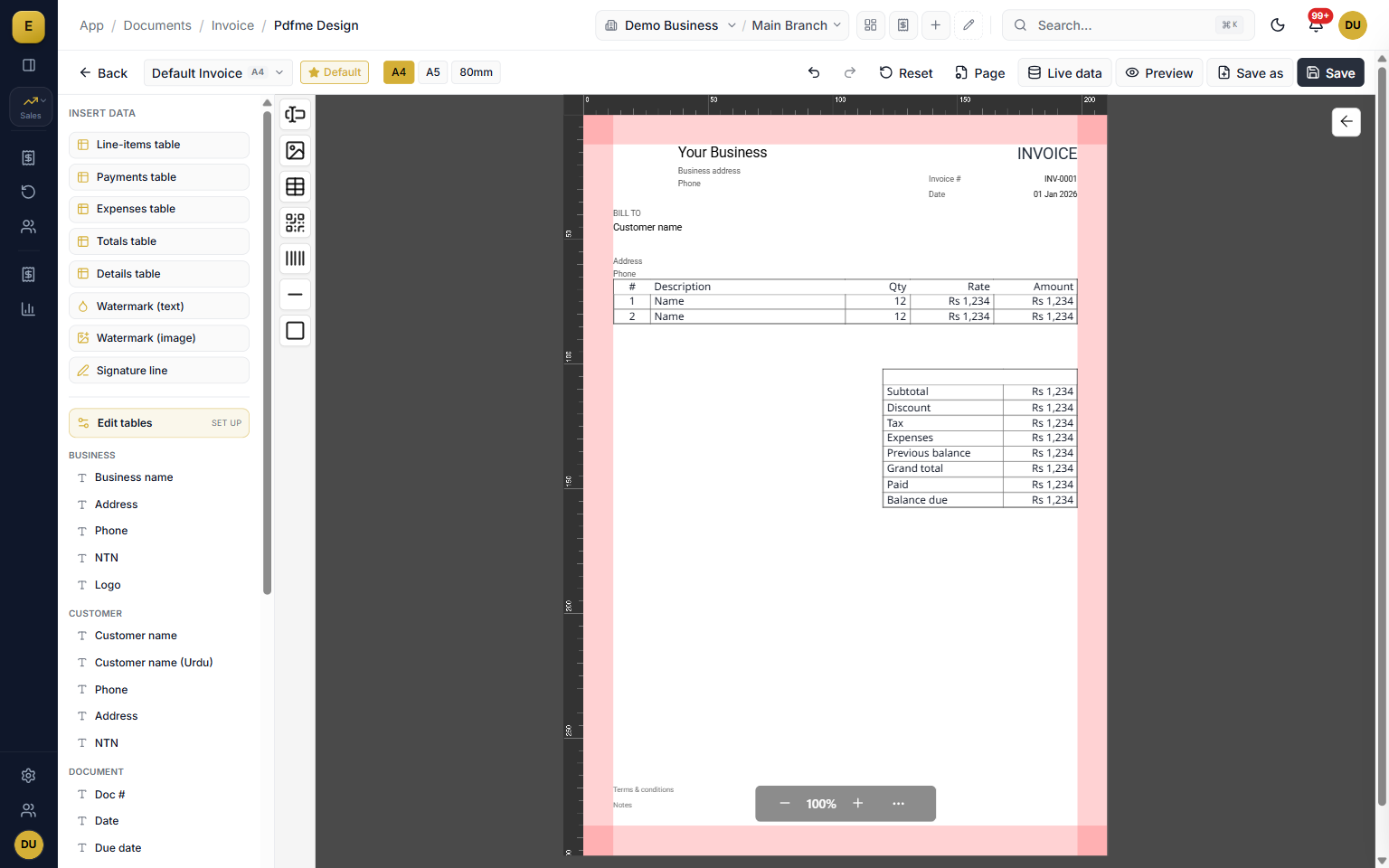
A browser cannot choose a printer by itself, and a cashier cannot click Print on every bill. The E-Khata desktop app carries a Print Agent: point the 80mm size at the thermal printer once, A4 and A5 at the laser, and every receipt goes to the right one without asking. Receipt layouts are designed in the same template designer as your invoices, with your logo, Urdu product names and the FBR number and QR code where they apply.
- 80mm thermal, A5 and A4 each routed to their own printer, saved per computer
- Receipt layout with logo, Urdu names, totals, received, change and balance
- FBR invoice number and QR code printed on the receipt when the sale is reported
- No desktop app running? Printing falls back to the normal dialog, never an error
FBR Tier-1 POS and Digital Invoicing in one place
Tier-1 retailers have to report every sale to FBR in real time, and many retailers who also sell wholesale fall under FBR Digital Invoicing as well. E-Khata configures Tier-1 POS separately from Digital Invoicing, with a POS ID for each outlet, and both file through one review queue. Preflight checks catch a missing HS code or a wrong unit before FBR rejects the invoice, and the returned FBR number is stored on the sale and printed on the receipt.
- Tier-1 POS with per-outlet POS IDs, beside Digital Invoicing
- Preflight checks before filing, so rejections are rare and readable
- HS code and FBR unit kept on each product, not typed at the counter
- Test your scenarios first with the free FBR Scenario Tester
Barcodes, stock and branches behind the counter
Every sale lowers stock in the right warehouse, so the shelf count and the system count stay the same. Products carry their own barcodes, or E-Khata generates them, and labels with price and Urdu name print from a tray. Several shops run as real branches with their own counters and stock, transfers between them, and one view for the owner.
- Barcodes per product and variant, generated or your own
- Label printing with price and Urdu name
- Stock deducted per warehouse on every sale, with low-stock alerts
- Branches with their own counters, transfers and consolidated reports

A POS that is also your khata and your accounts
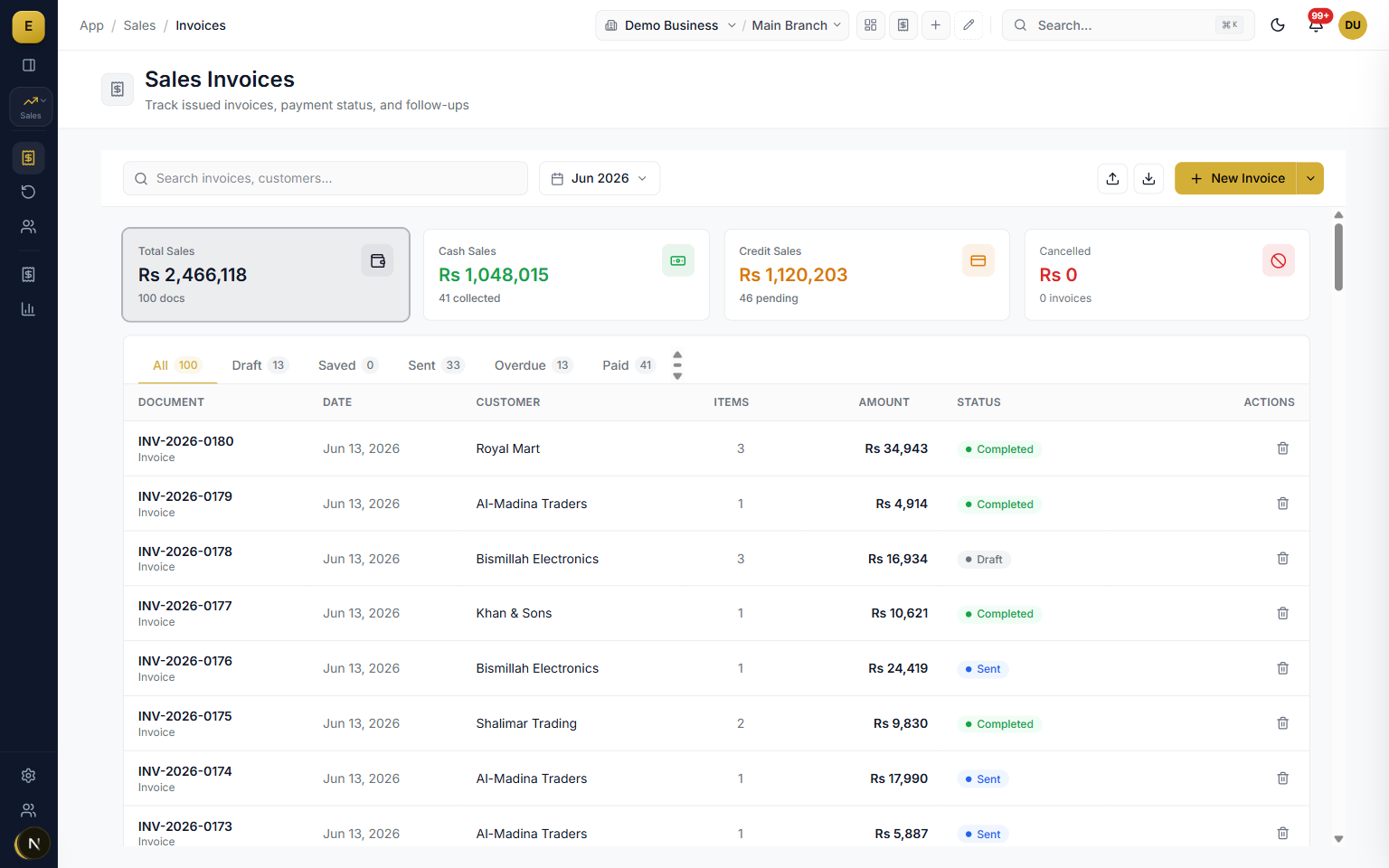
Most POS software in Pakistan stops at the receipt. Udhar goes in a register, cheques in a diary, and the accounts in another package at month end. In E-Khata the counter sale is already in the customer's ledger, the cash is in the cash account, the cost of the item is booked, and the day's profit is a report, not a calculation. The Cash Counter screen settles old bills, refunds and exchanges with its own permissions, so juniors can take money without seeing the books.
- Customer khata with previous balance shown at the counter
- Cash Counter for collections, refunds and exchanges, with per-user discount limits
- Daybook, profit and loss and stock value update with every sale
- WhatsApp the bill or the customer's statement from the same screen
Before you buy any POS in Pakistan, ask these questions
Most POS pages list the same features. These are the questions that separate a POS you will keep from one you will replace in a year. Ask every vendor, including us, to show each one live.
- What happens to a sale made offline: does it still reach FBR, and how?
- Who holds the FBR token and POS ID, and can you see the filing status of each bill?
- Does the QR code print clearly on your own 80mm printer?
- How are returns and credit notes reported to FBR?
- Does udhar, the cash book and stock live in the same system as the till?
- What does a second branch or a second counter cost, and what about updates?
Who it is for
Frequently asked questions
Explore more of E-Khata
دیکھیں کہ آپ کا کاروبار ای کھاتا پر کیسے چلتا ہے۔
30 منٹ کی زوم یا واٹس ایپ کال۔ ہم آپ کو ای کھاتا دکھائیں گے۔

“ہم نے ای کھاتا اس لیے بنایا تاکہ کاروبار کے مالک رجسٹر پر کم اور اپنا کاروبار بڑھانے پر زیادہ وقت لگائیں۔”
یا واٹس ایپ پر پیغام بھیجیں: +92 300 1676722 (1 گھنٹے میں جواب)۔